Your POS processes sales, the service app schedules technicians, and accounting software keeps the books. Yet your team still enters customer information twice, calls the office for job details, and pulls numbers from several places to prepare a report. The individual tools may do their jobs well, but the gaps between them can make yours harder.
Effective pool business systems keep information moving across retail, service, inventory, customer management, and the back office. When those connections are missing, employees spend their time on manual tasks like copying records and checking details.
Before adding another application, look at how work moves through the business. The biggest opportunity may be connecting the tools and processes you already depend on.
Most businesses build their technology setup one need at a time. Each addition has a purpose, but over time your team takes on more work to keep everything aligned.
Consider an equipment repair. The office schedules the appointment, but the technician records the work and parts used in a separate app. Once the job is finished in the field, the administrative work continues in the office. An employee transfers those details into an invoice, adjusts inventory, and updates the customer’s service history.
A software problem concerns what a particular application can do. A systems problem concerns how the entire process works from the first customer request to the final payment.
Operational gaps often become familiar routines. Look for these patterns:
An occasional workaround may be manageable. If it’s happening daily, it deserves a closer look. Follow one customer request through scheduling, service, inventory usage, invoicing, and payment. Note every point where someone has to copy information, ask for an update, or check which record is correct. Those steps reveal where your team is compensating for disconnected pool business workflows.
Manual coordination appears in delayed invoices, extra calls, and time spent correcting records. When office employees have to recreate a completed job before billing it, or a manager has to combine reports to determine whether a department is meeting its goals, there is less time for serving customers, completing jobs, and planning ahead.
Small gaps can also affect the next step in a process. Parts recorded late may leave inventory figures out of date. Incomplete job notes can hold up an invoice. Customers feel the friction, too. They may repeat information to several employees or wait while someone tracks down the status of a service request.
During the busy season, the same gaps repeat across more transactions and appointments. Adding a technician, route, or location increases the coordination required to keep everything moving. Capable employees may keep catching the problems, but the business is paying for their effort every day.
When evaluating a new tool for your pool business system, follow the information beyond its main function:
A scheduling tool may organize appointments beautifully while leaving the office to rebuild every job for invoicing. A dashboard may display clear reports while employees continue reconciling the information behind them. You’re looking to build a reliable workflow, whether your business uses one platform or several connected applications.
Connected pool business systems give employees the context they need and help each step support the next. At the counter, staff should be able to find relevant customer and purchase history. In the field, technicians need the job details and service information required to arrive prepared. Back in the office, completed work should provide the details needed for billing and follow-up.
Inventory belongs in that same flow. Purchasing, receiving, retail sales, truck stock, and job usage all affect what is available and what needs replenishing. Owners need a clear view of those movements alongside sales and service activity.
Returning to the equipment repair example, with connected workflows, the technician records the completed work and materials used where the office can access them. Billing details and service history remain associated with the job, giving the next employee useful context without reconstructing the visit. Teams can also answer questions more confidently, customers receive more consistent service, and owners gain a clearer view of the business.
Clear responsibilities are still important. Pool business automation works best when it supports a process the team understands.
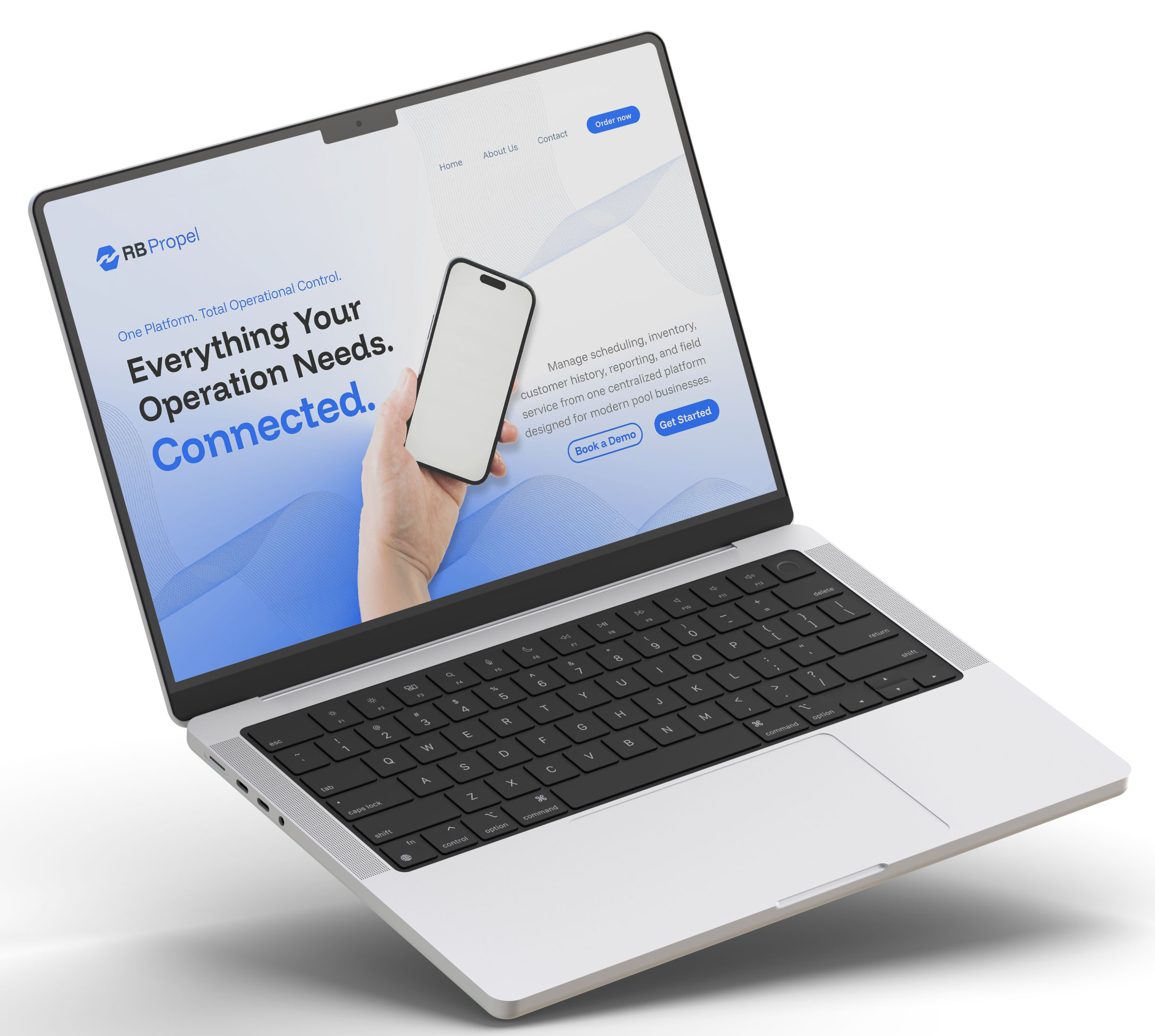
RB Propel brings retail, service, inventory, customer information, and back-office workflows together within one cloud platform. Its role is to support the connections between those activities, so your team can spend less time chasing details and more time running the business.
For an owner considering a change, those operational connections provide a useful starting point. Look at where information gets copied, where work stalls, and where employees have to fill in the gaps. Use those findings to evaluate how a platform will support the whole business.
The next software decision should make daily work easier across departments, not just add another place to manage it. If your current software is creating more work for your team or your business has outgrown a collection of disconnected systems, schedule a demo or contact us to discuss what making the switch could look like for your business.

Complete management software for pool & spa businesses.


© RB Retail & Service Solutions